Tarjetas regalo
Sell digital gift cards in seconds — emailed instantly to the recipient.
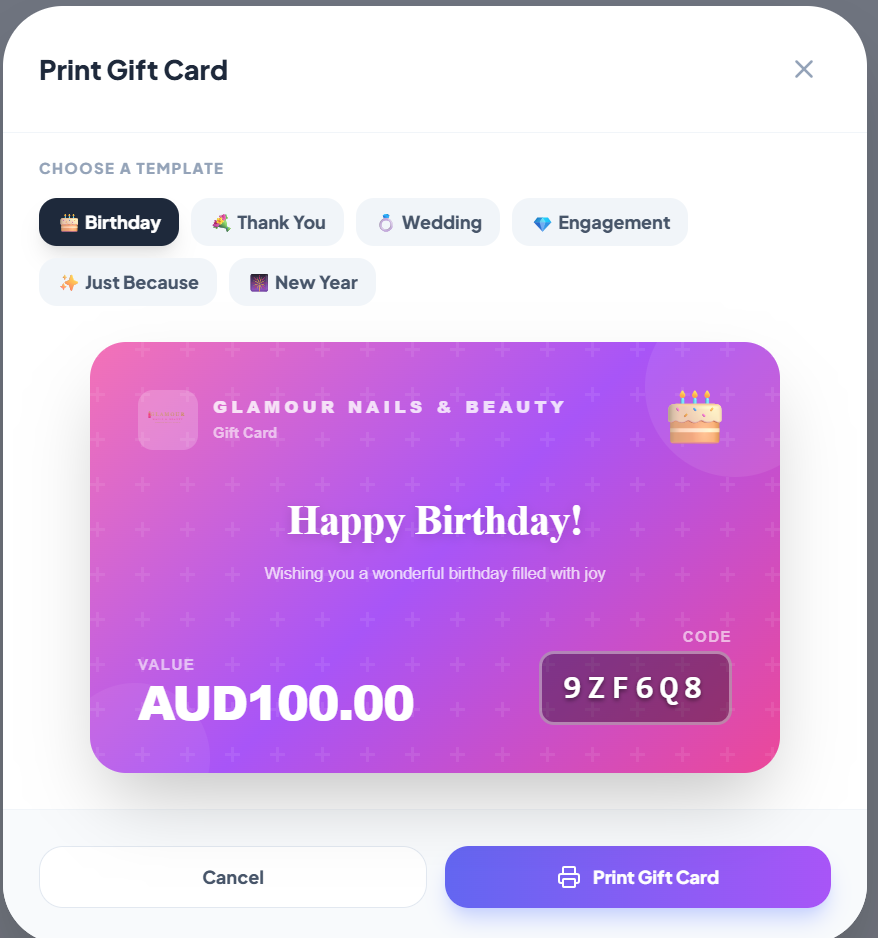
Issue gift cards from the POS or let customers buy them online. They're emailed with a printable PDF and a unique code, redeemable at any visit. Balance carries forward; partial redemptions are supported.
Gift cards drive new customers to your salon — typically 30% of recipients are first-time visitors.
Step-by-step
1. Sell from the POS
New Sale → +Gift Card. Choose amount, recipient name, recipient email, sender, and an optional message. Charge the buyer; the card is emailed instantly.
2. Sell online
Add a "Buy Gift Card" button to your booking page. Stripe handles the payment.
3. Redeem
POS → Gift Card → enter code or scan QR. Balance is applied; remaining amount can be paid by other methods.
4. Track
Reports → Gift Cards. See outstanding liability, redemption rate, and expiring cards.