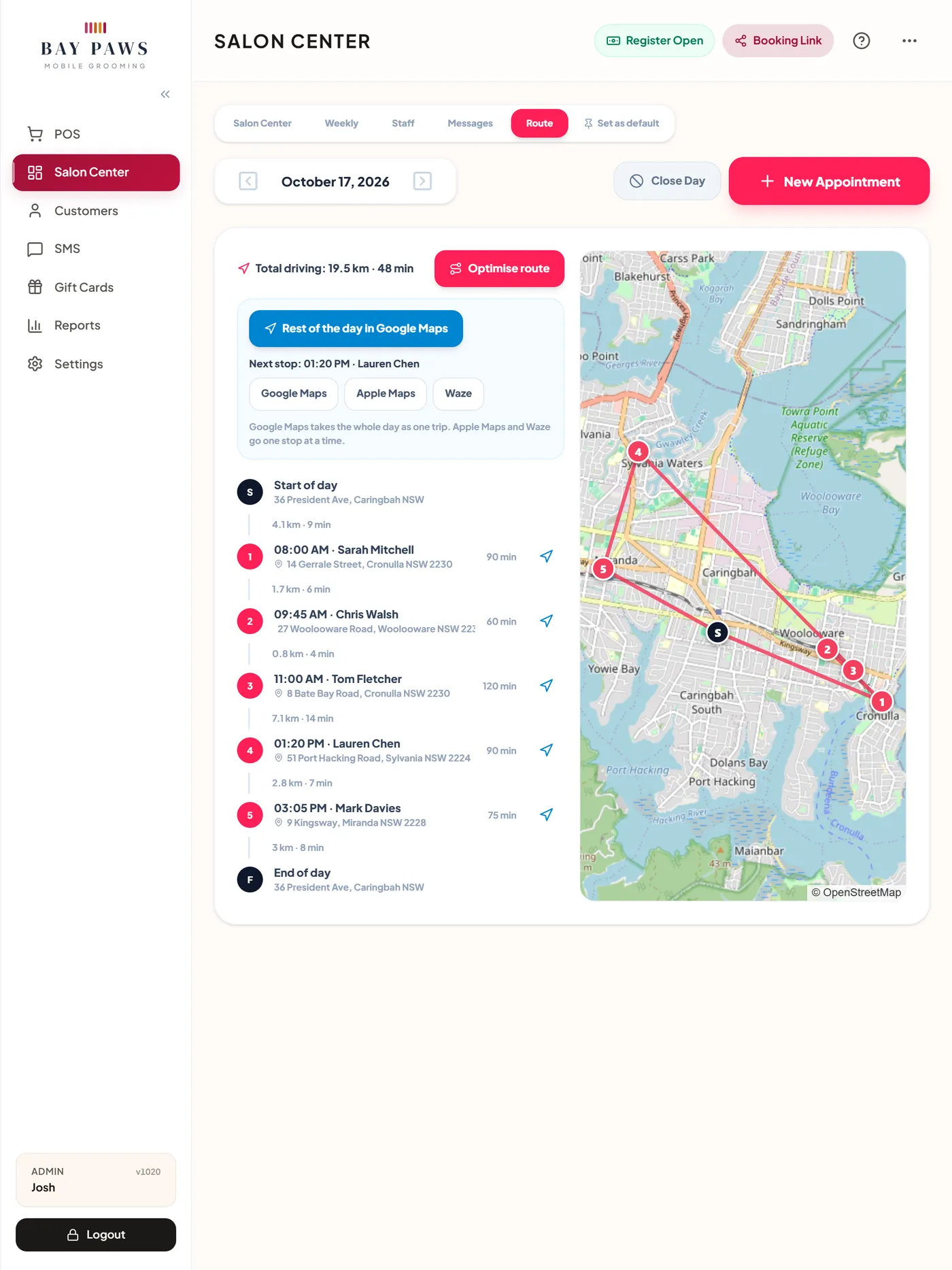
Every stop, every drive, in order
The Route view lists the day's stops with the drive between each. Optimise route proposes the shortest order and the start times that follow, and nothing moves until you apply it. Each moved client gets a new confirmation.
- A start and finish address for the day
- Send the whole day to Google Maps as one trip, or one stop at a time to Apple Maps or Waze
- With several groomers, each has their own route
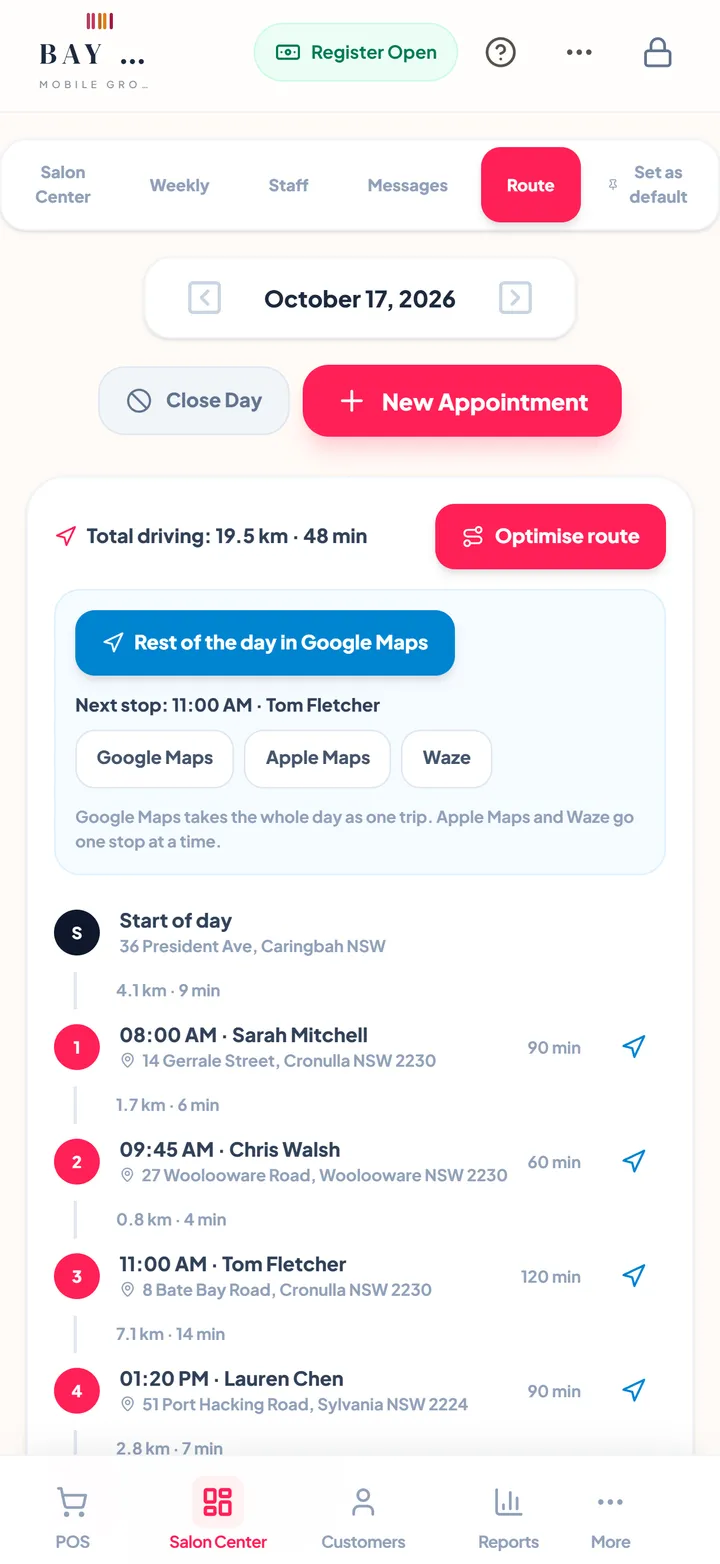
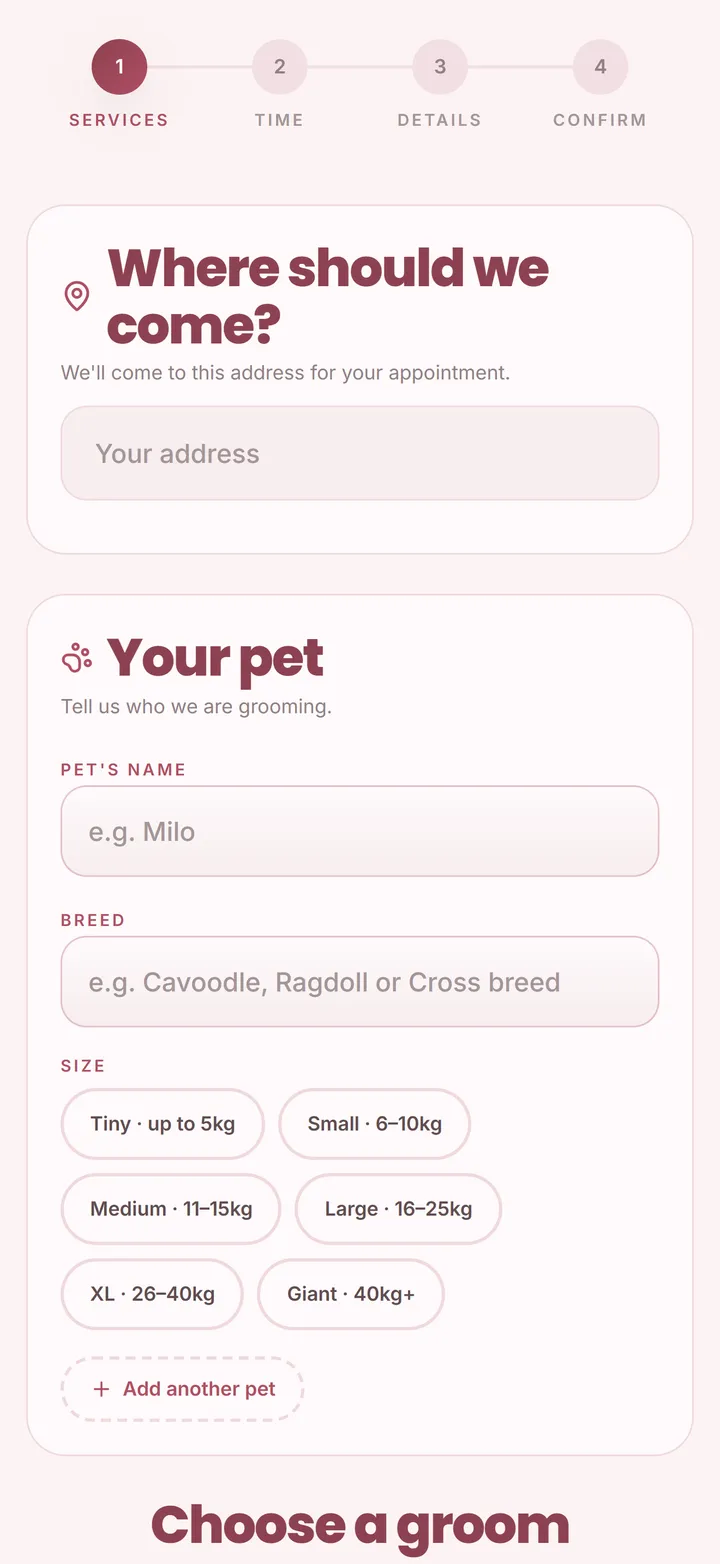
Clients only see times that fit the drive
Your booking page asks for the address first, then each dog's name, breed and size. It only offers times where the drive from the previous client and on to the next fits, plus the gap you set between appointments.
- The longest drive you accept between clients
- Grooms priced and timed by dog size
- The travel fee shown before the client picks a time
Each suburb on the days you are nearby
Set the areas you cover on each weekday, so a client in the north only gets the days the van is in the north. Fewer kilometres, more grooms in the day.
- Areas you cover on each weekday
- Online booking respects the areas for each day
- A start and finish address, and the longest drive you accept
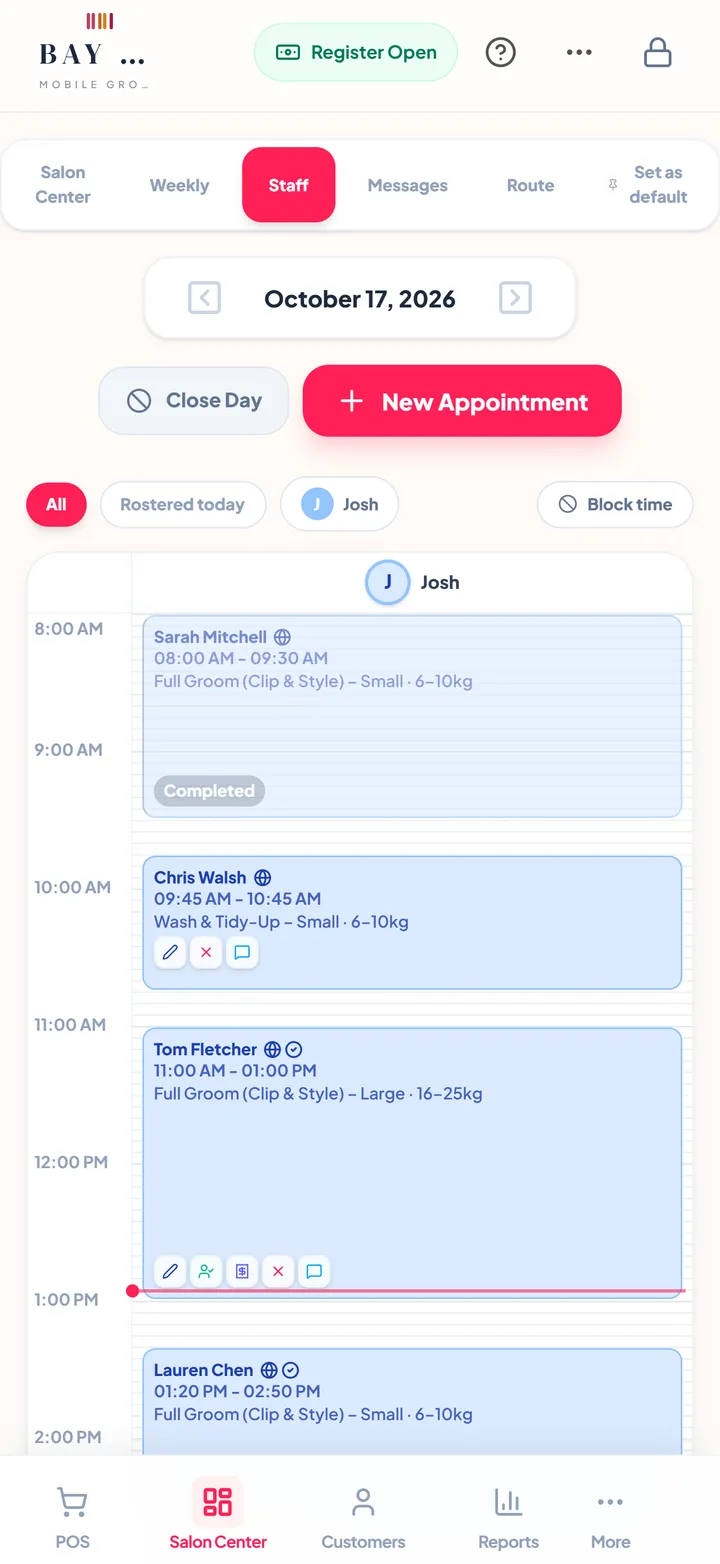
Paid before you pull away
Check out the groom with its extras and the travel fee in one tap, then book the next groom before you leave, so next month's route starts filling today.
- Card, cash or bank transfer
- Deposits and no-show fees through your own Stripe account
- Receipts by email or SMS
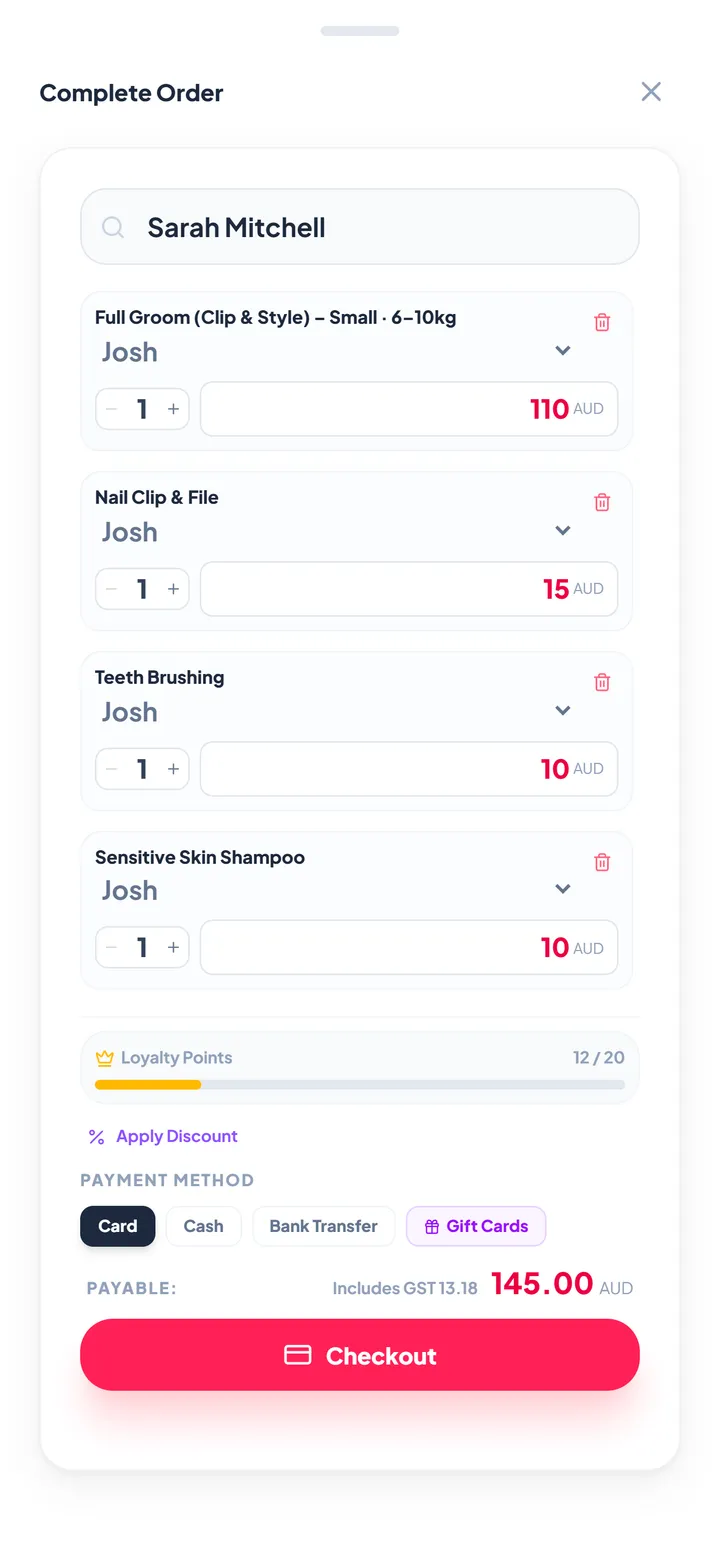
Drive the day on your phone, plan the week at home
The same account on iPhone, Android, iPad and the web. It keeps working through a patchy signal on the road and syncs when you are back online.
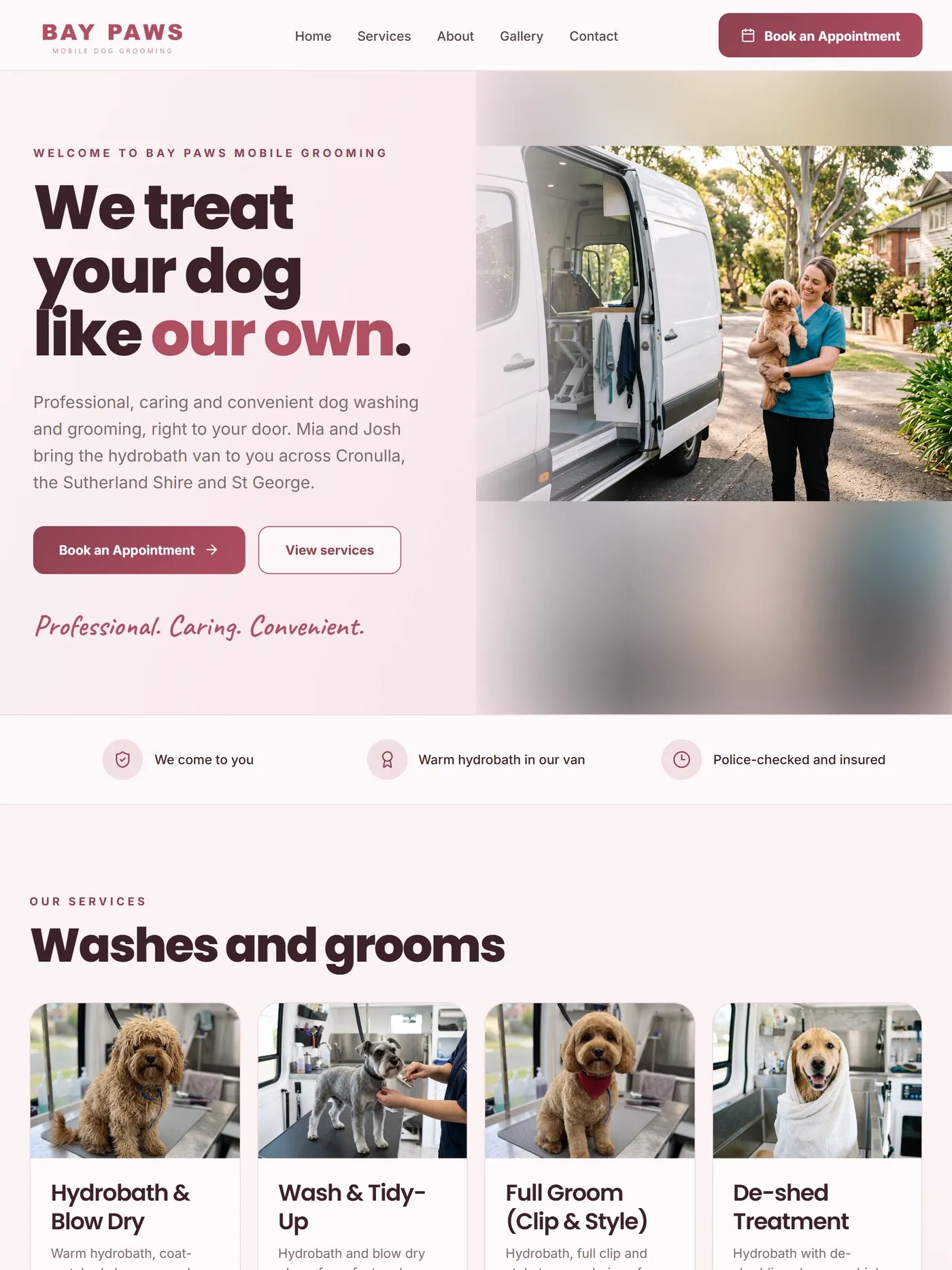
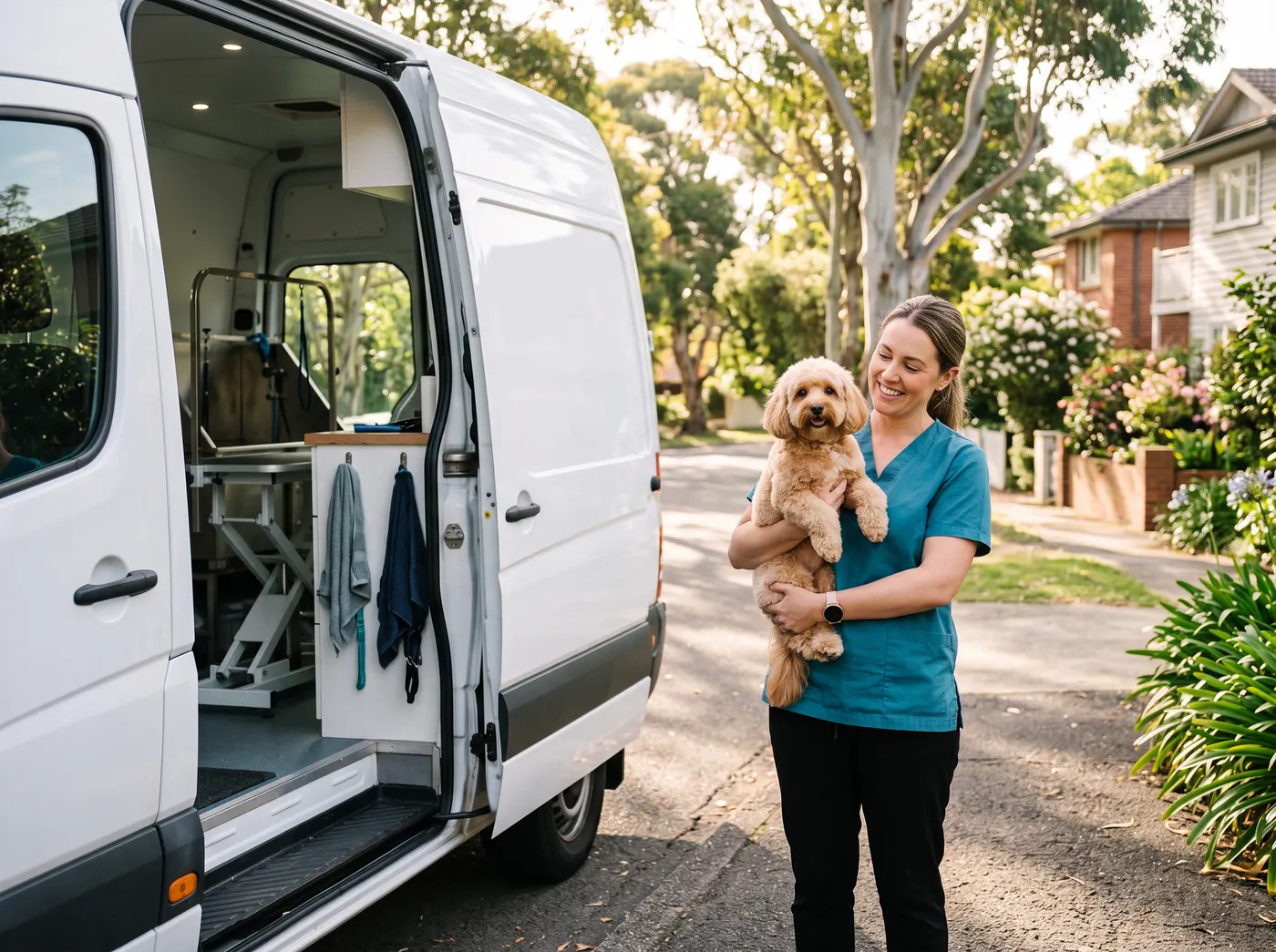
Every kilometre is an hour
A mobile groomer sells hours, and every wasted kilometre is an hour that earns nothing. Planning the booking around the route is how a van fits one more groom into the day.
One app instead of a stack of apps
Each job done in one place, on the client's record.
How a visit runs in ZibaDesk
Every step leaves a record, so the next visit starts where the last one finished.
Books online
The client enters their address and dog's size and picks a time that fits your route.
You optimise the day
One tap reorders the stops; you check the new times and apply them.
Clients told
Anyone whose time moved gets a new confirmation.
You drive
Open the day in Google Maps, or each stop in Apple Maps or Waze.
Paid and rebooked
Checkout with the travel fee, and the next groom booked.
Made for
- Solo mobile groomers
- Groomers with several vans
- A grooming shop with a van
- Mobile cat groomers
- Mobile hairdressers
- Other mobile services
Frequently asked
How does route optimisation work?
Open the Route view for a day and tap Optimise route. ZibaDesk proposes the shortest order for the day's stops from your start address and the start times that follow. Nothing changes until you apply it, and each client whose time moved gets a new confirmation.
Which plan includes route planning, and what does it cost?
Route planning and Optimise route are in Pro at US$19.99 a month per business (£19.99, €19.99 or A$19.99 by country), which covers up to five groomers, each with their own route. There is a 14-day Pro trial with no card.
Can online booking avoid times that do not fit the drive?
Yes. The booking page asks for the address first and only offers times where the drive from the previous client and on to the next fits, with the gap you set between appointments and the longest drive you accept.
Can I open my route in Google Maps or Waze?
Yes. Send the rest of the day to Google Maps as one trip, or one stop at a time to Apple Maps or Waze.
Can I charge a travel fee?
Yes. Set travel fee tiers by distance from your base. The fee is shown to the client before they pick a time and added on its own line or built into the price.
Does it work in my country?
Yes. ZibaDesk bills in US dollars, Australian dollars, pounds or euros, runs reminders on your local time and is available in ten languages.

