Shifts & Turn Schedule
Walk-in salons: fair turn rotation. Booked salons: shift-based availability.
Two scheduling models in one. For walk-in heavy salons (especially nail salons), the turn rotation makes sure no technician is favoured — the next walk-in goes to whoever is up next. For appointment-driven salons, shifts dictate booking availability.
This is one feature most salon software gets wrong. We support both rotation-based queueing for walk-ins and traditional shifts for booked work — at the same time if you mix both.
Step-by-step
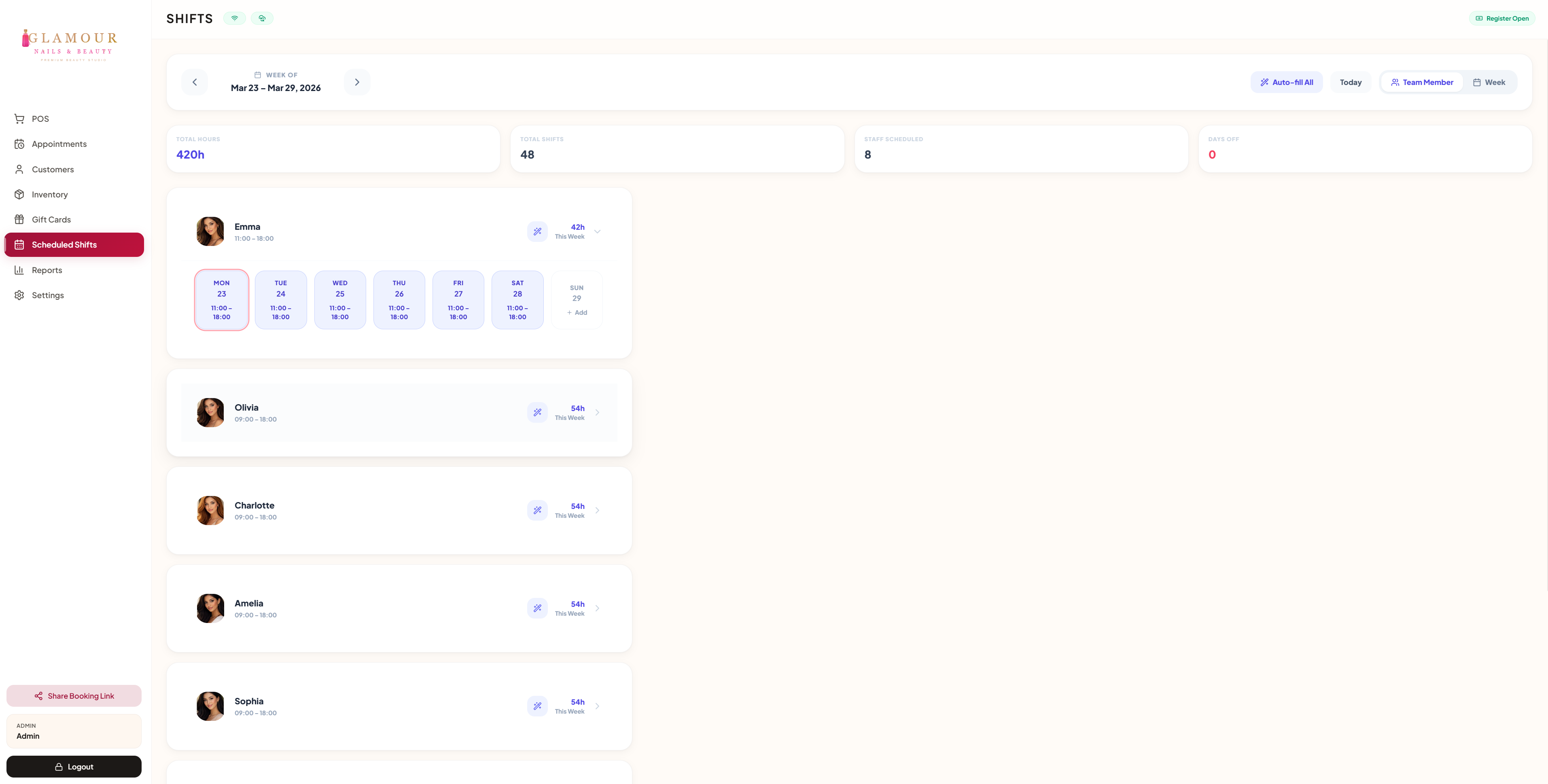
1. Set shift schedule
Settings → Shifts. Drag-paint each technician's hours per day. Repeats weekly by default.
2. Enable turn rotation (walk-in salons)
Settings → Turn Schedule. Toggle on. Now every walk-in increments the rotation, distributing fairly across staff who are on shift.
3. Adjust mid-day
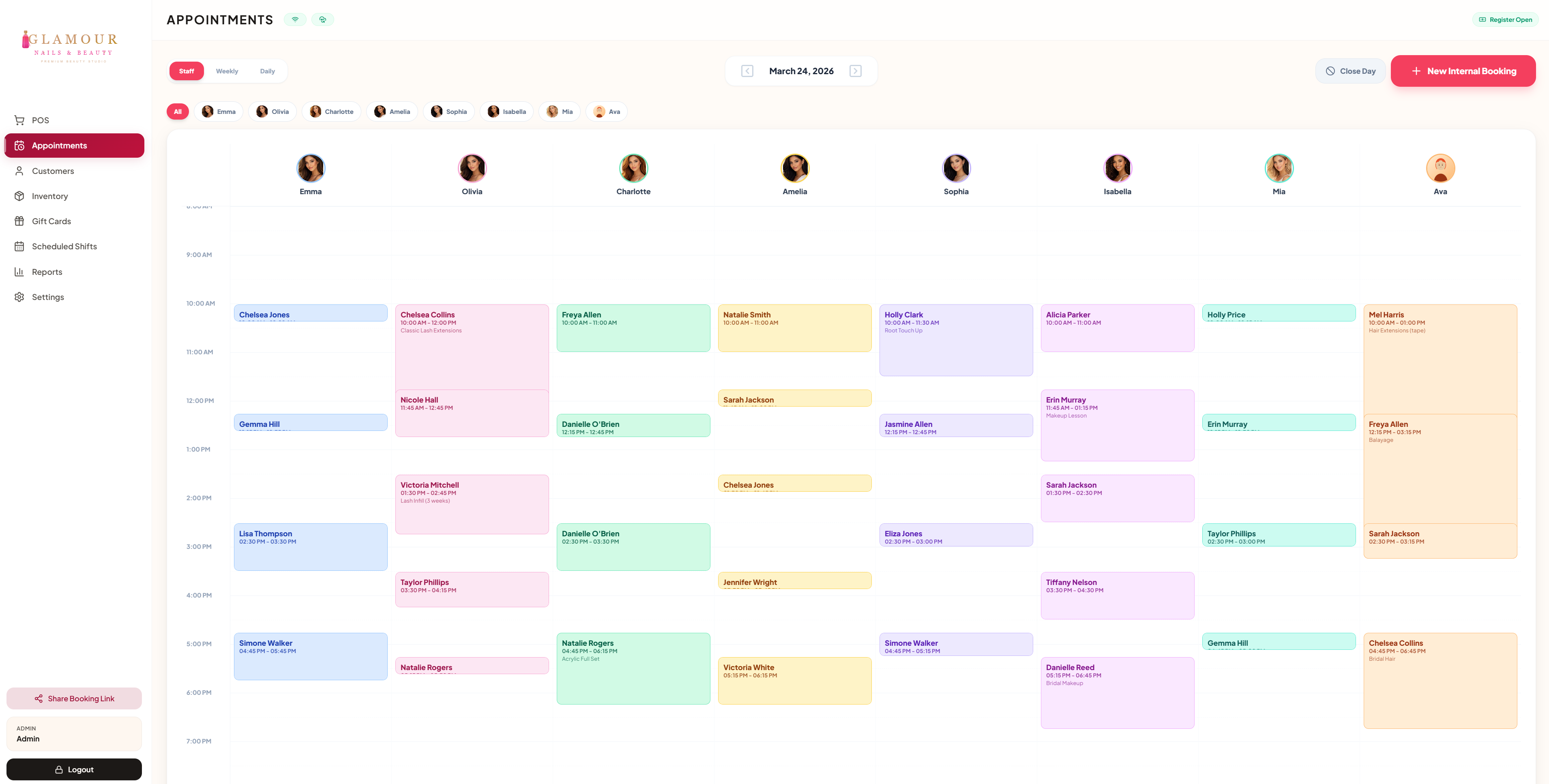
A technician calls out sick? Tap their name on the calendar → "Off for the day". The system rebalances the rotation and reassigns affected bookings.
4. Time off and holidays
Block out personal days from the schedule. Recurring closures (Christmas, Eid, Lunar New Year) are configurable under Settings → Holidays.