诊所模式下的客户档案
病史、预约、照片和全部临床记录集中一处。
In clinic mode each client record has four tabs. Overview shows spending, visits and notes. Clinical holds the medical history, questionnaire, session notes, treatment charts, treatment plans, forms and photos. Appointments lists upcoming and past visits, and History lists every sale.
The Clinical tab is shown to Admin and Manager logins only, so clinical details stay with the people who need them.
Step-by-step
Open a client
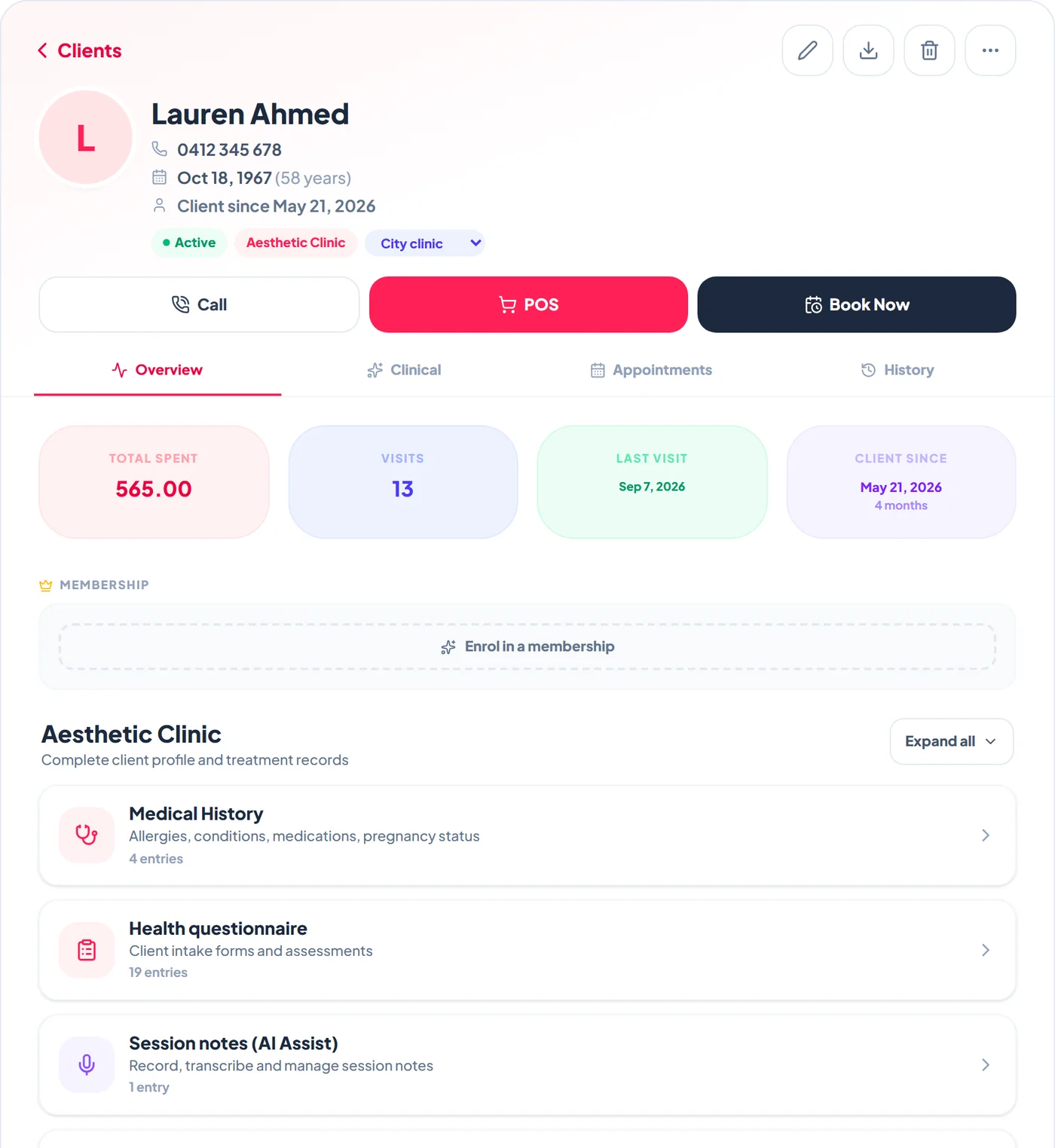
Tap a client on the Clients page. The header shows their phone, date of birth and age, how long they have been a client, their status and home location, with Call, POS and Book Now underneath. The icons at the top edit the details, export the record, delete the client or open more actions.
Keep the medical history current
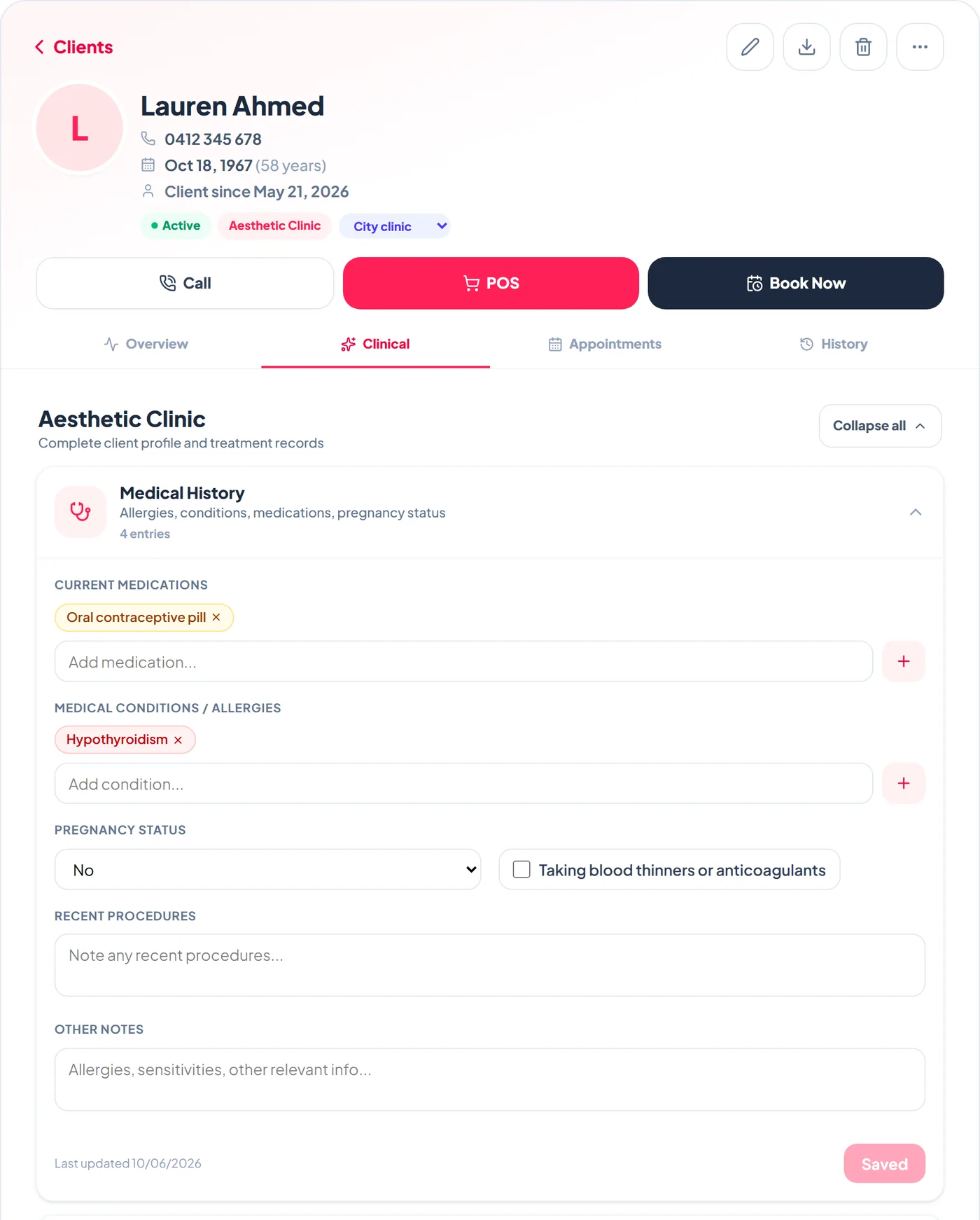
On the Clinical tab, Medical History holds current medications, medical conditions and allergies, pregnancy status, blood thinners, recent procedures and other notes. Add items with the plus buttons, then tap Save. The button shows Saved once everything is stored, with the date it was last updated beside it.
See every appointment
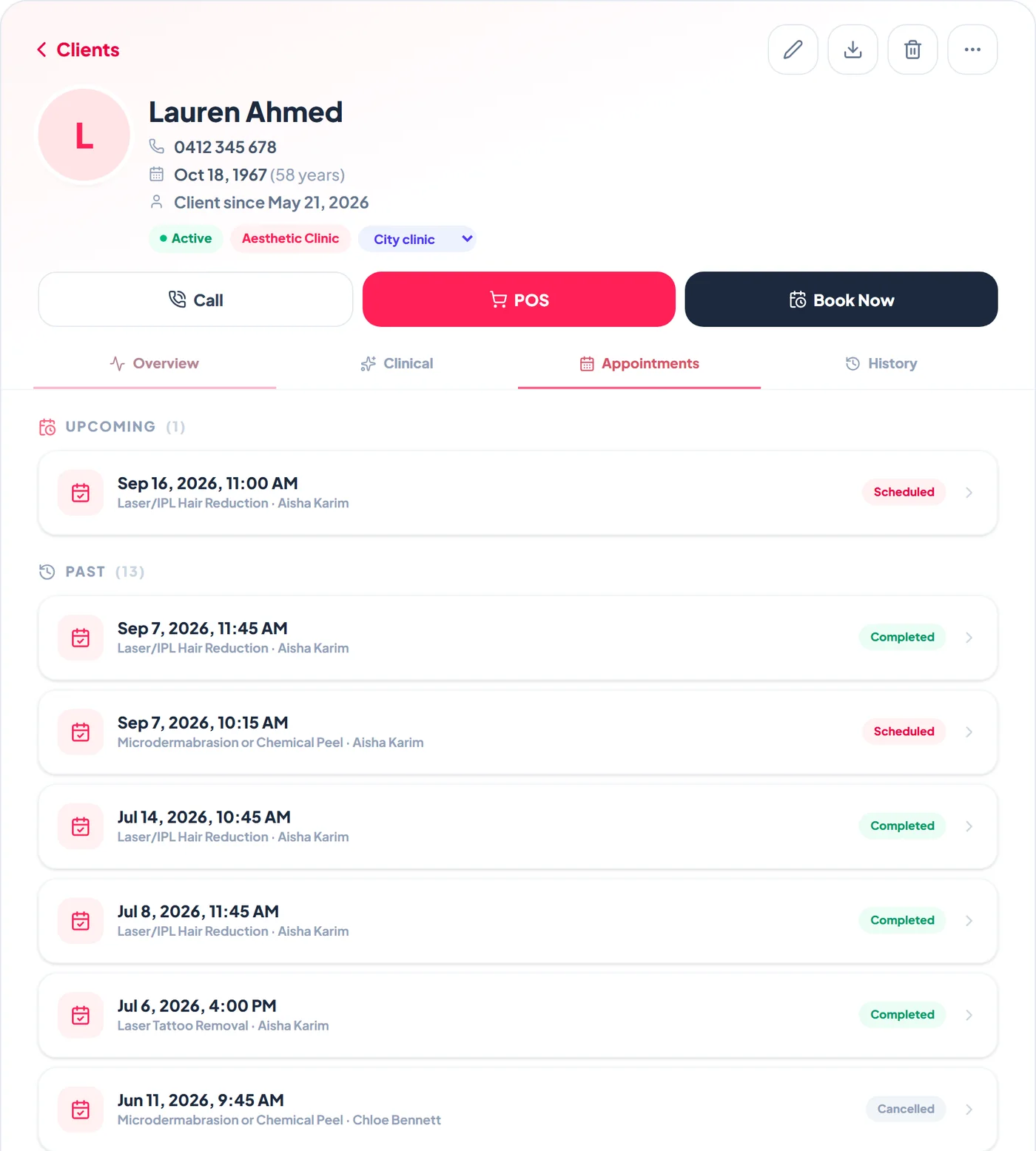
The Appointments tab lists upcoming visits first, then past ones, with the services, practitioner and status. Tap any appointment to open the booking.
Add before-and-after photos
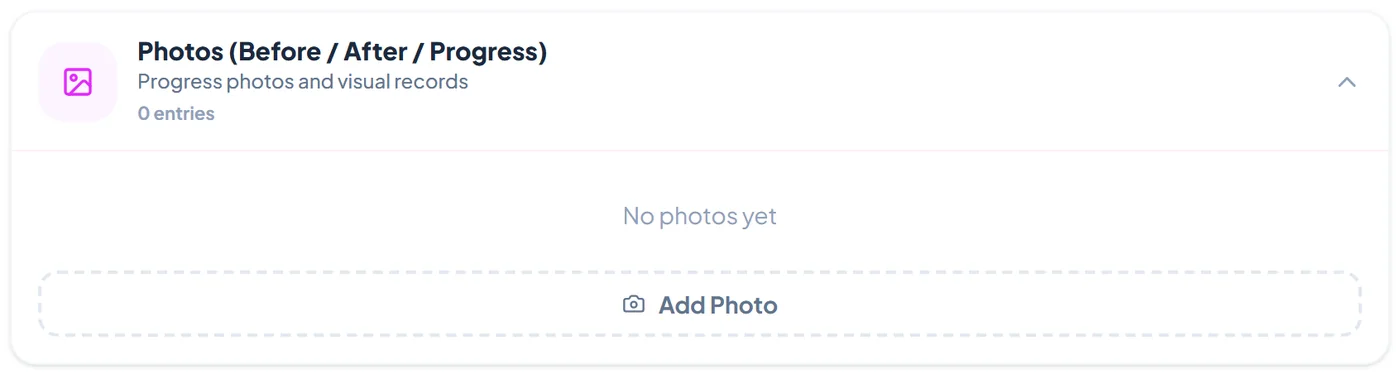
Under Photos (Before / After / Progress), tap Add Photo, choose or take the picture, label it Before, After or Progress, note the area or treatment, and tick whether the client consents to its use for marketing. Tap Compare, then two photos, to see them side by side. Photos are stored encrypted and never on a public link.
Export the full record
Tap the download icon at the top of the record, labelled Export record (PDF), to produce the complete clinical record as one PDF, for example when a client asks for a copy of their information.
Frequently asked
Why can some staff not see the Clinical tab?
It is shown to Admin and Manager logins only. Give practitioners who treat clients a Manager login.
Can I see which location a client belongs to?
Yes. The home location shows as a chip in the header, and you can change it there.