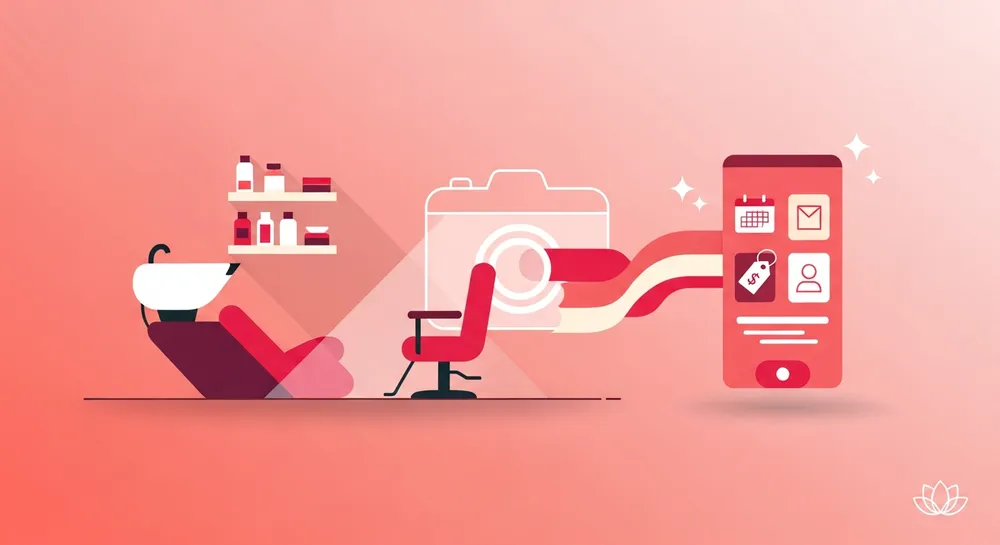
Switching salon software has always come with a painful price: hours of typing services, organising categories, and entering prices one row at a time. We thought that was ridiculous — so we built AI onboarding. Snap a photo of your existing pricelist, brochure, or even a handwritten board, and ZibaDesk builds your entire service catalogue automatically.
1Snap or Upload Your Pricelist
Open ZibaDesk on your phone and tap "Import from photo". Take a photo of whatever pricelist you already have — a printed menu on your reception desk, a folded brochure from the printer, a screenshot of last year's price update, even a marker-and-cardboard sign behind the chair. The image doesn't need to be perfect.
If you'd rather upload an existing file from your computer, the desktop onboarding wizard accepts PNG, JPG, and PDF. Multi-page brochures work too — the AI reads every page.
2AI Reads the Whole Page
Behind the scenes, a vision model scans your image and finds every service, every price, and every section heading — even when the layout is messy or in two columns. It handles handwriting reasonably well and copes with currency symbols, decimal commas vs full stops, and "from $X" pricing.
Most pricelists finish in 10–20 seconds. A long multi-page beauty menu might take a minute. You see a live preview as items appear so you know exactly what's being created.
3Categories Organise Themselves
This is the part owners love most. The AI doesn't just dump a flat list — it groups services into logical categories: Hair Colour, Nails, Lashes, Waxing, Massage, whatever your menu actually contains. Each category gets a colour and an icon automatically, so your POS looks polished from the very first tap — whether you run a busy nail salon or a multi-chair colour studio.
If your pricelist already has section headings ("Hair", "Beauty", "Treatments"), the AI uses them. If it doesn't, the model infers categories from the service names themselves.
4Prices, Durations, and Add-ons
Every service comes in with the right price, in the right currency. If your pricelist mentions duration ("60 min", "90 min facial"), that's captured too — so booking time slots work correctly from day one. Add-on style entries ("French tip + $10", "chrome powder + $15") get linked to their parent service.
Tiered pricing ("from $80", "short / medium / long") is detected and turned into ZibaDesk's variant pricing structure, so a single service can have multiple price points in your POS.
5Review and You're Live
The whole catalogue appears in a review screen — usually 30–80 services, fully categorised, with prices. Skim, tweak anything that looks off, drag to reorder, and tap Confirm. That's it. Your POS, your online booking page, and your appointment calendar are populated and ready for clients.
What used to take a new salon or barbershop owner an entire afternoon — typing in 50 services, picking colours, organising categories — now takes about a minute of camera time and a minute of review.