
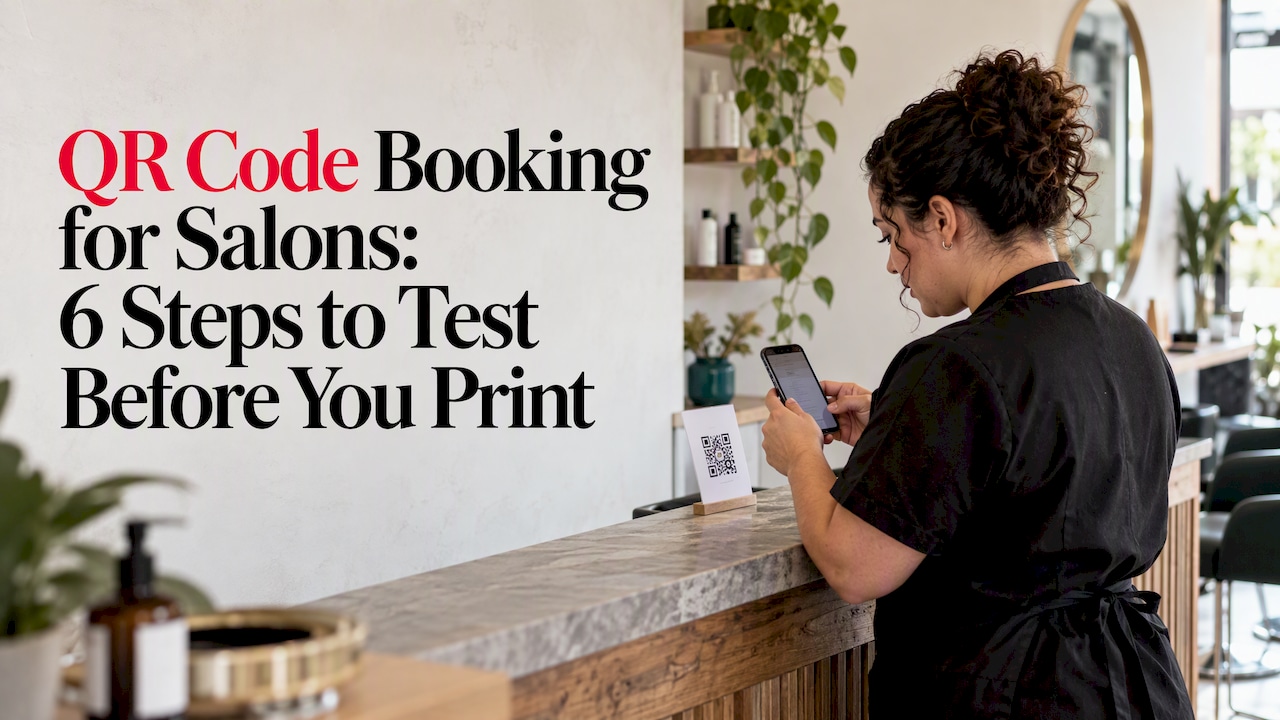
A booking QR code sends customers straight to a live booking page, where they pick a time and complete a reservation on their phone. To set one up, copy the public booking link for one specific service, generate a dynamic QR code from it, then scan it while signed out before you print or publish anything.
TL;DR:
- Use the public link for one service or event, not an admin page or homepage, so customers reach available booking times without extra choices.
- Use dynamic codes for lasting print because you can change destinations without reprinting, and assign each location a separate link to compare booking sources.
- Test while signed out and after hours, then complete a booking across devices; on 4G, aim for page content to appear within two seconds.
- Keep a clear border and strong contrast, make the code readable from its scanning distance, and place it within reach for seated customers.
- In Australia, collect only appointment details, handle them securely, and obtain explicit consent before using customer information for marketing messages.
Table of Contents
- How does QR code booking work, and why does the link matter?
- How do you generate a booking QR code and export it?
- Should you use a dynamic or a static QR code?
- Where should you place a QR code, and how should you design it?
- How do you test and track whether scans become bookings?
- What privacy rules apply to booking details?
- What quick wins do QR booking codes deliver in a salon?
- ZibaDesk: booking pages built to work as QR destinations
- FAQ
- Sources
How does QR code booking work, and why does the link matter?
A QR code stores a web address and nothing else. The calendar itself lives on your booking platform, so the code is only as useful as the page it opens. Any booking system with a public booking page can work, because the code just carries the URL, a point free QR generators make plainly.

That is why the destination matters more than the code. Point it at your homepage and customers must hunt for the service, the staff member and the slot. Point it at one service or event and they land on open times. Conversion specialists recommend a dedicated, mobile-responsive booking page with a single call to action rather than a homepage, because it removes friction. A booking-focused generator makes the same case: each extra decision between scan and calendar costs you conversions.
The customer flow is short:
- Scan: the phone camera reads the code and opens the link.
- Pick: the customer chooses an open slot on the live calendar.
- Confirm: they book and receive a confirmation, then a reminder.
For your business, that means bookings arrive around the clock, fewer calls reach the front desk, and automated reminders help reduce no-shows. When you tag each code correctly, you also learn which placement earned the booking.
How do you generate a booking QR code and export it?
Work through these steps in order. They take a little time the first time.
- Copy the public booking link. Open the service or event you want booked and copy its public link. Never use an admin or dashboard link, because customers cannot open it. Practical creation guides follow the same sequence.
- Choose a generator that supports dynamic codes. Paste the link, then pick your style and colors. Match your branding, but keep strong contrast between the dark modules and the light background.
- Export the right file. Use SVG or PDF for anything printed, since both scale without blurring. Use PNG for screens, at a resolution large enough for the spot where it will appear.
- Test signed out. Log out of your booking platform and scan the code with a phone. If you only ever test while logged in, you may miss a broken public page.
- Test out of hours and across devices. Scan at the time customers will actually use it, on both iPhone and Android, and in more than one browser.
- Take a real test booking. Book a slot, check that the confirmation and reminder arrive, then cancel it. This proves the whole flow, not just the first screen.
Pro Tip: Print one copy at the exact size you plan to use and scan it from the distance a customer will stand. A code that works on your monitor can fail on a window vinyl.
If you use ZibaDesk, our online booking system can provide a booking page to paste straight into step one.
Should you use a dynamic or a static QR code?
For anything printed, use dynamic. A static code points to one fixed URL forever, so changing the destination means reprinting. A dynamic code lets you update the destination from a dashboard without touching the physical code, and it adds scan analytics that show where bookings originate, such as a store window versus a brochure.
- Static codes suit throwaway uses, like a one-off flyer for an event with a fixed link.
- Dynamic codes suit long-lived prints: window vinyl, menu cards, price lists and business cards.
- One destination per placement lets you compare locations. Give the window, the mirror card and the Instagram bio their own dynamic link, or add a different UTM source parameter to each.
The practical payoff is flexibility. If you rename a service, move to a new booking page or want to track a new campaign, you edit the link instead of reprinting the cards.
Where should you place a QR code, and how should you design it?
Most scanning failures come from design and placement, not from the code itself. GS1 guidance covers QR structure, quiet zones and error correction, and the practical rules follow from it.
- Keep the quiet zone. Leave clear empty space around the symbol. Crowding it with text or borders is a common reason a scan fails.
- Use high contrast. Dark code on a light, plain background works best. Avoid patterns, photos and glossy surfaces that bounce glare.
- Make it big enough. Size it for the distance people will scan from, and use SVG or PDF so edges stay sharp.
- Mind the height. Codes must be reachable from a seated position as well as standing, a point accessibility-minded placement guidance stresses.
- Offer an alternative. Print a short URL or phone number beside the code, and make sure the booking page works on mobile and with screen readers, as accessibility guidance advises.
Pro Tip: Stand at your front door, then sit in a chair, and read your own sign. If you cannot scan it comfortably both ways, move it.
How do you test and track whether scans become bookings?
A code that scans is not the same as a code that books. Run this checklist before launch, then check the numbers weekly.
- Scan while signed out to confirm the public page loads.
- Scan out of hours to confirm slots show and bookings are accepted.
- Try several devices and browsers, including an older phone.
- Check time zones if travelers or remote customers might book.
- Give each placement its own source. Use a unique dynamic destination or a UTM parameter, then compare scans against completed bookings for each spot.
A fast page converts better, so test speed too. One guide recommends aiming for a first contentful paint under two seconds on a standard 4G mobile connection.
Aim for first contentful paint under two seconds on 4G. Slow pages lose customers between the scan and the calendar, so check your booking page on mobile data, not just office Wi-Fi.
What privacy rules apply to booking details?
A booking page collects personal information, so privacy comes with the territory. In Australia, businesses that collect personal information through digital check-ins must comply with the Australian Privacy Principles, and the OAIC’s guidance says the data should be handled securely and not reused for marketing without explicit consent. The OAIC has also noted that private QR check-in services may fall under the Privacy Act, as its check-in app guidance explains.
- Use data for the stated purpose. Collect what you need to deliver the appointment, and use it for that.
- Sight, don’t store, sensitive evidence where you can.
- Get explicit consent before adding anyone to marketing messages.
- Check your platform. Confirm how any third-party booking provider handles data, and whether you need a contract or data processing agreement.
For specific legal questions, speak with a privacy professional.
What quick wins do QR booking codes deliver in a salon?
My strongest view: launch simple and improve from real scans. A plain code on the front window and the mirror card, pointing at your most popular service, will catch the people who walk past after closing and would never call. That alone takes pressure off reception, because the client books themselves after closing and gets a reminder without anyone typing a message. Resist the urge to design a perfect campaign first. Put one code up, watch which placement produces bookings, then add more.
Ali
ZibaDesk: booking pages built to work as QR destinations
If you want the booking page and the reminders handled in one place, we built ZibaDesk for beauty businesses. Our customizable online booking pages provide clean QR destinations, so customers can land on booking options. Here is what you get:
- Branded booking pages you can customize and link to from any code
- Offline capability, so your day keeps running if the connection drops
- Automated reminders that help cut no-shows
- One platform for appointments, clients and payments

Start on our Free plan, then compare Pro and Ultra on our pricing page. When you are ready, details are on our free trial page and our appointments page shows the booking features in detail.
FAQ
How do I get a QR code for my booking site?
Copy the public booking link for the service you want booked, paste it into a QR code generator, and download the file. Choose a dynamic code so you can change the destination later, then test it while signed out before you print.
Where can I access the QR code?
You download it from the generator you used, usually as SVG, PDF or PNG. Save the SVG or PDF for printing and the PNG for screens, and keep a copy in a shared folder so your team can reuse it.
How do I book using a QR code?
Open your phone camera and point it at the code. Tap the link that appears, choose an open time on the booking page, enter your details and confirm. You should then receive a confirmation and a reminder.
Can a QR code link to more than one service?
A code can only open one web address, so it works best when it points to a single service or event. If you offer several services, create a separate code for each, or link to a page with a clear single call to action.
Sources
- Qrco
- Qrcodesaustralia
- Guidance for digital check-in providers collecting personal information for contract tracing | OAIC