Opening or moving an aesthetic clinic usually means a fortnight of unglamorous setup: typing a 40-line treatment menu into a system, rebuilding consent forms, configuring who is allowed to administer what, and praying the online booking page matches what you actually offer. Most of that work is avoidable. This guide walks through the seven setup steps every clinic has to get right, in the order that actually saves you time, and shows how ZibaDesk collapses each one from hours into minutes. By the end you should be taking real bookings the same day.
1Build your treatment menu from a photo, not by hand
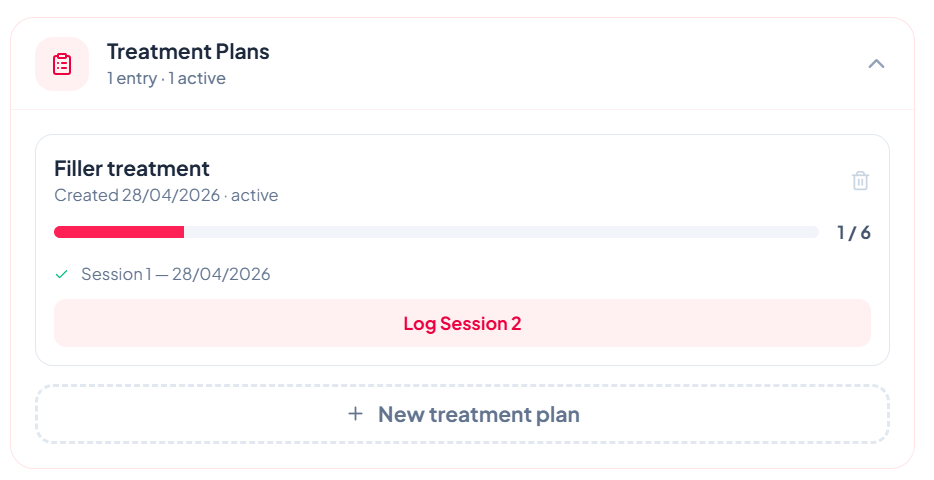
The slowest part of any clinic setup is data entry: every treatment, its category, its price, and (for clinics) its session structure. Typed by hand, an injectables-to-laser-to-skin menu is an afternoon gone.
ZibaDesk skips it. Snap a photo of your existing pricelist, brochure, or even a handwritten sheet, and the AI onboarding reads it and builds your services, categories, and prices for you — usually in under a minute. You review and adjust rather than type from scratch. If you would rather start clean, the onboarding wizard ships with a ready-made Medical Aesthetics template (injectables, dermal fillers, laser, skin) so your menu is structured correctly for a clinic from the first screen, not borrowed from a hair-salon default.
2Add your team and lock down scope of practice
Aesthetic clinics run on mixed teams: registered nurses, dermal therapists, beauty therapists, and reception, each with a different scope of what they may legally perform. Setup is the moment to encode that, because fixing it after a wrong booking is far more painful.
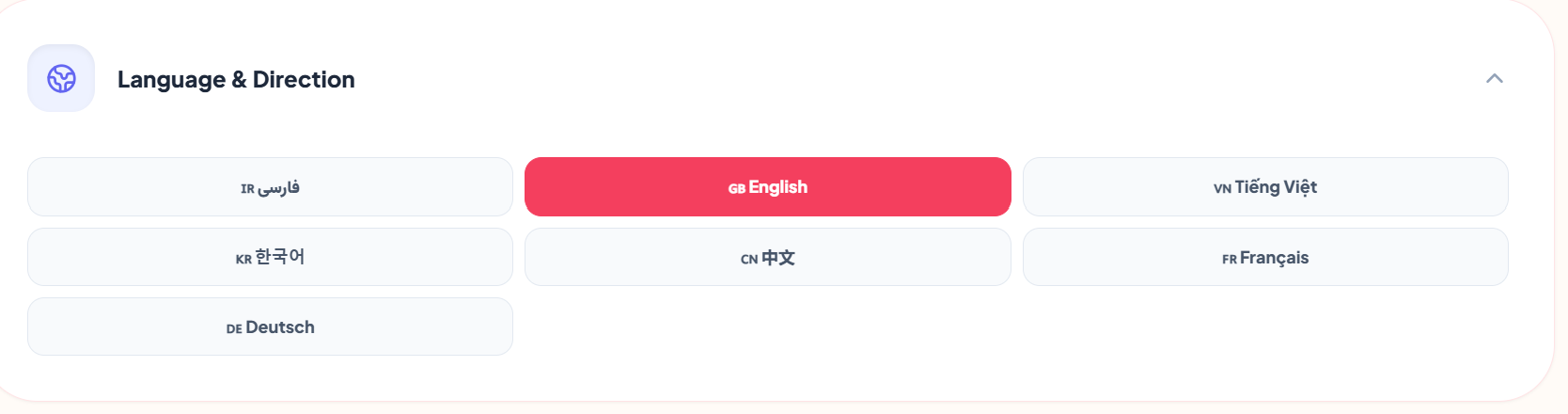
In ZibaDesk each treatment can declare which qualifications it requires, so a beauty therapist can never be booked for a prescription-only injectable, even by accident. Add each staff member, set their role and the rooms they work from, and the booking logic enforces it from then on. Because the platform is built for diverse Australian teams, the staff interface is available in eight languages with full right-to-left support, so a multilingual front desk is on the same page from day one.
3Turn on an online booking page that mirrors your real menu
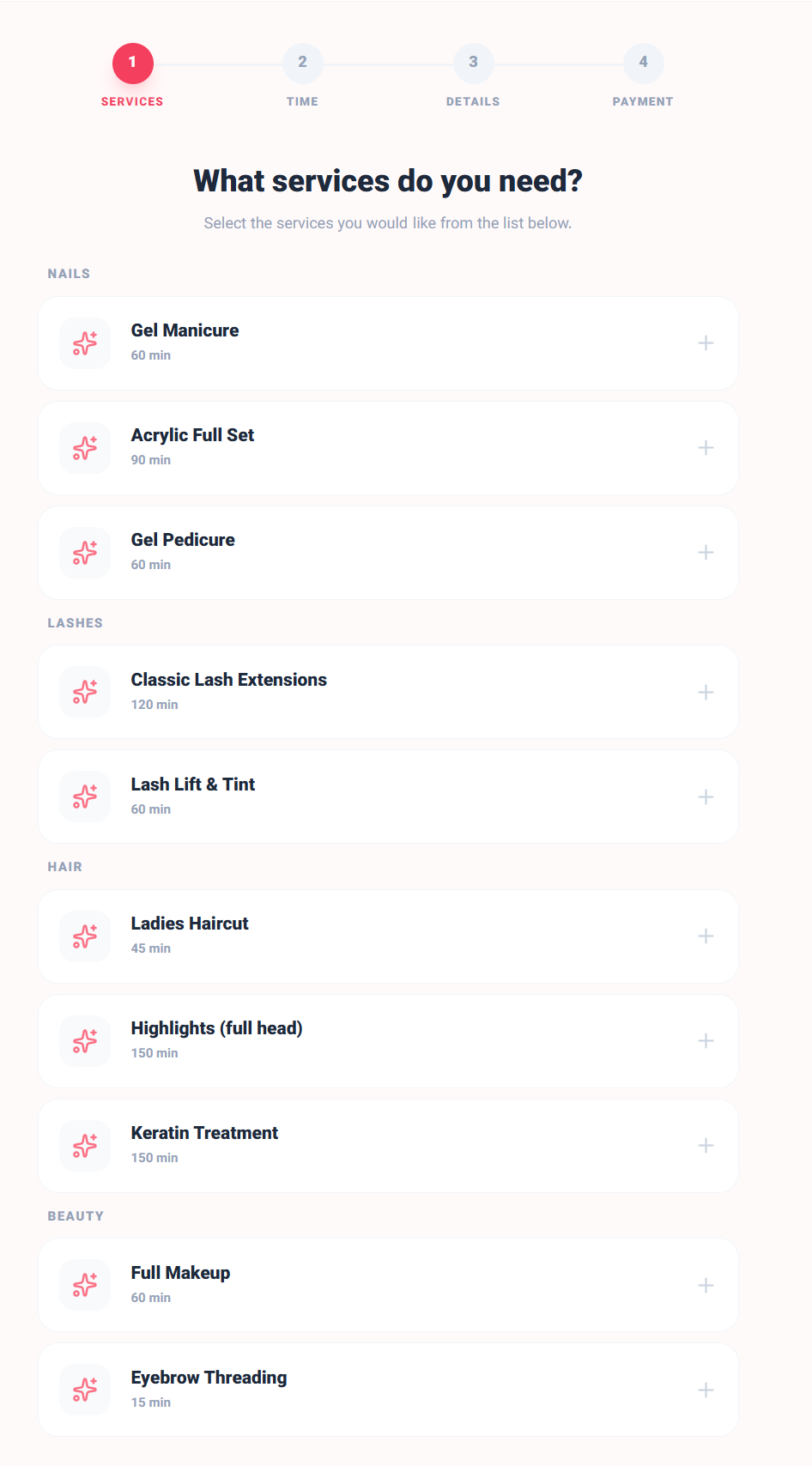
The most common setup failure we see is an online booking system that offers a generic "Manicure / Haircut" list while the clinic actually sells anti-wrinkle and laser packages. Clients book the wrong thing, and reception spends the week untangling it.
ZibaDesk avoids this by design: your public booking page mirrors the exact services and language you set up in step one, never a generic default. Flip it on, choose which treatments are bookable online versus consultation-only, and your branded booking link is live. This is where setup starts paying for itself, because every booking that arrives is already a real, correctly-categorised treatment in your calendar.
4Load your consent forms — your own PDFs, signed on screen
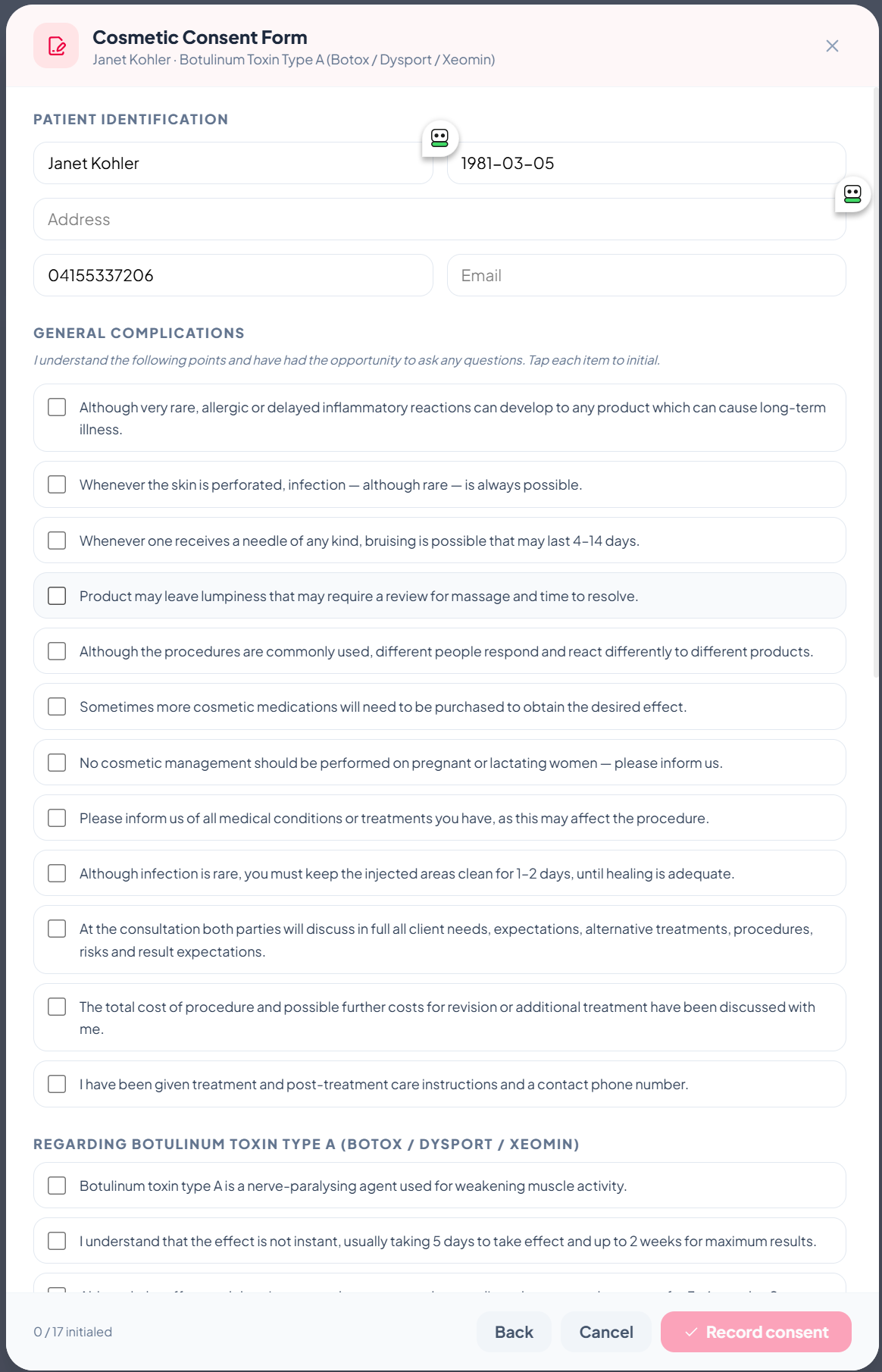
Consent is the step where clinic setup usually stalls, because most platforms either force you onto their generic templates or push you to a separate e-signature tool that charges a few dollars per signature. Neither fits a clinic that already has lawyer-reviewed forms.
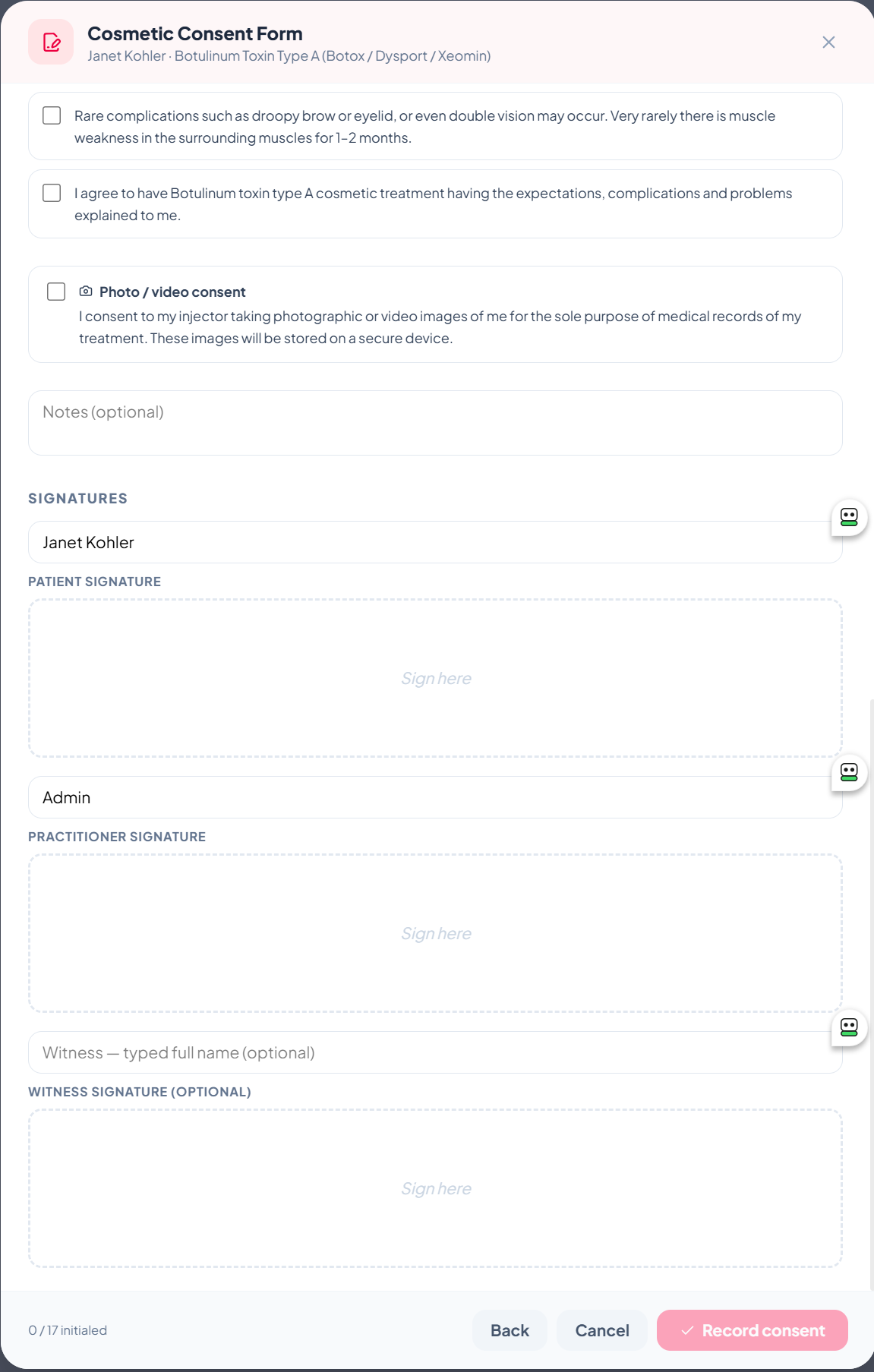
ZibaDesk lets you keep your own paperwork. Upload your existing consent PDF during onboarding (or pick from built-in templates) and clients sign it directly on screen. The patient and practitioner signatures, photo-consent choice, and notes merge straight onto the document — no per-signature fee, no second app. Staff can also annotate the PDF on screen: tick boxes, mark areas, add text or freehand notes, with an adjustable size control so a fingertip on a phone is as precise as a stylus on a tablet. Set this up once and every future client signs the same compliant record.
5Switch on encrypted before-and-after photos
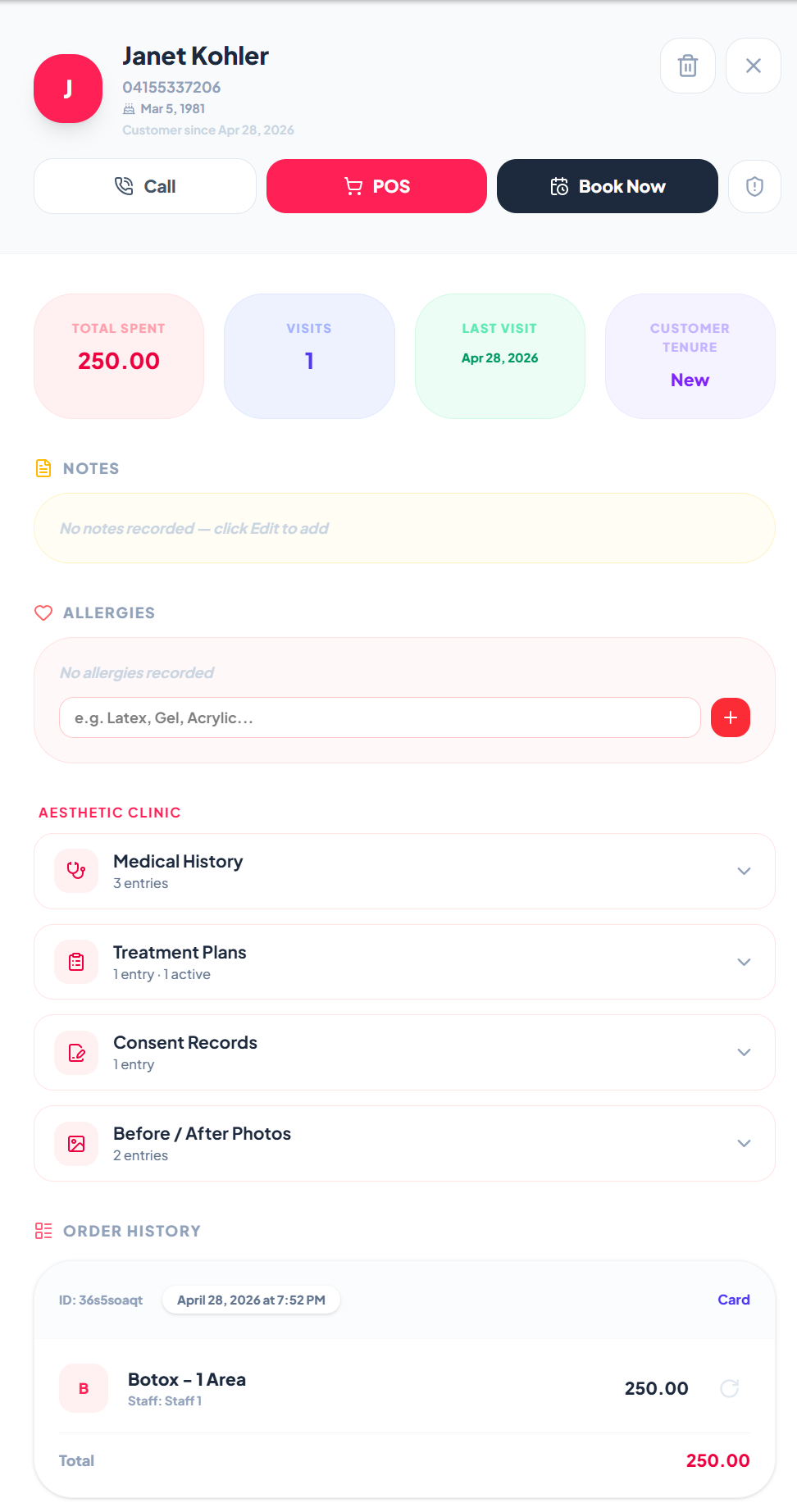
Before-and-after photos are core clinical evidence, yet most clinics set up day one with staff phones and a shared folder — a privacy breach waiting to happen. Doing this properly at setup costs you nothing extra in ZibaDesk because it is already built in.
Patient photos are captured against the client record and stored encrypted at rest in a private clinical store that the public web server cannot even reach. Images are only viewable through a short-lived, role-restricted access link, and every view is written to an access log. You do not configure servers or buy an add-on; you simply start taking photos, and they live in the right place with an audit trail from the first shot.
6Set up inventory for high-value consumables
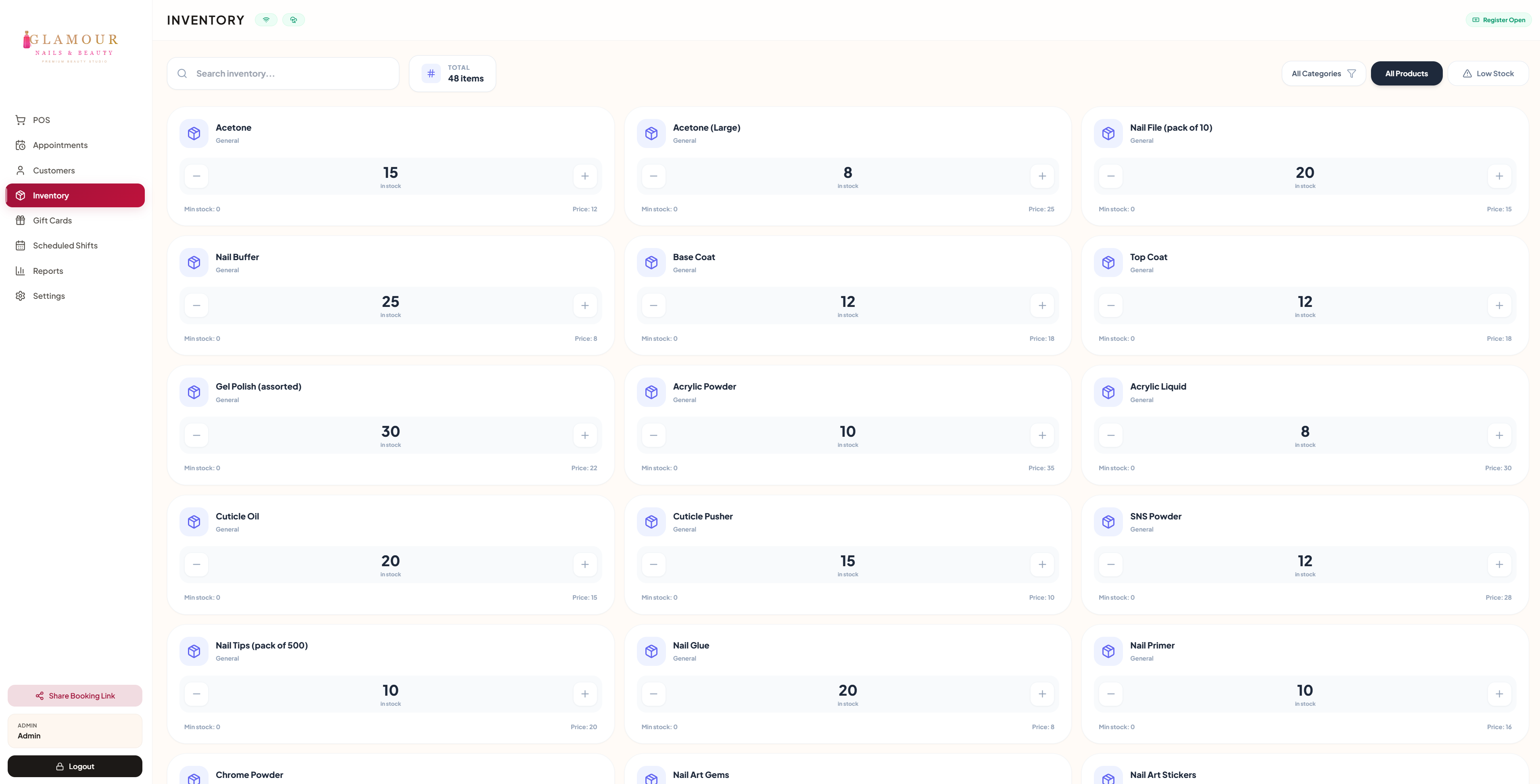
Clinic stock is not salon stock. A single vial serves several patients, products carry batch numbers and expiry dates, and your real margin depends on per-treatment cost, not per-bottle cost. Setting inventory up correctly now is what tells you, months later, which treatments actually make money.
Configure your consumables with cost-per-unit so usage deducts as you treat, and your reporting reflects genuine treatment margins rather than guesses. It is a ten-minute setup task that quietly prevents the classic year-end surprise: discovering your busiest treatment was also your least profitable.
7Set your timezone and hours, then go live
The last step is the one clinics forget until a report looks wrong. Set your clinic's timezone, opening hours, and any booking deposit rules before you go live. ZibaDesk lets you set a specific timezone for your business, so an evening appointment is always recorded on the correct calendar day in your reports, even if you (or your accountant) review them from another country.
With your menu, team, booking page, consent forms, photos, and inventory in place, your clinic software and beauty CRM are genuinely live. Every booking now flows into a single connected record, and you spent a morning on it rather than a fortnight.
Aesthetic clinic setup: frequently asked questions
Can I use my own consent forms, or only ZibaDesk's templates?
Both. Upload your own lawyer-reviewed consent PDF during onboarding, or use the built-in templates. With your own PDF, patient and practitioner signatures merge directly onto the document, so the signed record is your form, not a generic substitute.
Do I have to pay per e-signature?
No. E-signatures are built in at no extra per-signature cost. Most clinics bolt on a separate e-signature tool that charges a few dollars every time a form is signed. ZibaDesk includes it, so a high-volume clinic isn't taxed on every consent.
How long does it actually take to set up a clinic?
Most clinics complete these seven steps in a morning. The slowest part, building the treatment menu, is handled by AI from a photo of your existing pricelist in under a minute, and your online booking page and consent forms inherit that menu automatically rather than being rebuilt.
Where are patient before-and-after photos stored?
Encrypted at rest (AES-256) in a private clinical store the public web server cannot reach. Photos are viewable only through a short-lived, role-restricted link, and every view is written to an access log. They are never saved to a shared phone folder.
Will the online booking page show my real treatments?
Yes. Your public booking page mirrors the exact services and language you set up, never a generic "manicure / haircut" default. You choose which treatments are bookable online versus consultation-only.
Can my team use the software in another language?
Yes. The staff interface is available in eight languages, including full right-to-left support for Arabic and Persian, so a multilingual front desk can each work in their own language.